
Showing posts with label Computer Arts. Show all posts
Showing posts with label Computer Arts. Show all posts
Tuesday, February 21, 2012
Professional Growth Technology Day


Thursday, February 9, 2012
Claymation Movies

- Modeling Clay
- Paper
- Markers/ Colored Pencils/ Crayons
- Scissors & Glue
- Pipe Cleaners
- Cameras & USB Cords
- Photo Editing Software
- Movie Editing Software
Wednesday, December 22, 2010
Create your own Pollock
Fun little website to emulate your own Pollock artwork. Drag your mouse across the page to "drip" paint and click to change colors. Would be a good introduction to Pollock and preliminary assignment.


Mandala Maker
Quick and easy website to introduce making mandalas and radial symmetry. Would be a great preliminary activity.
 |
Sunday, December 12, 2010
Picasso Head
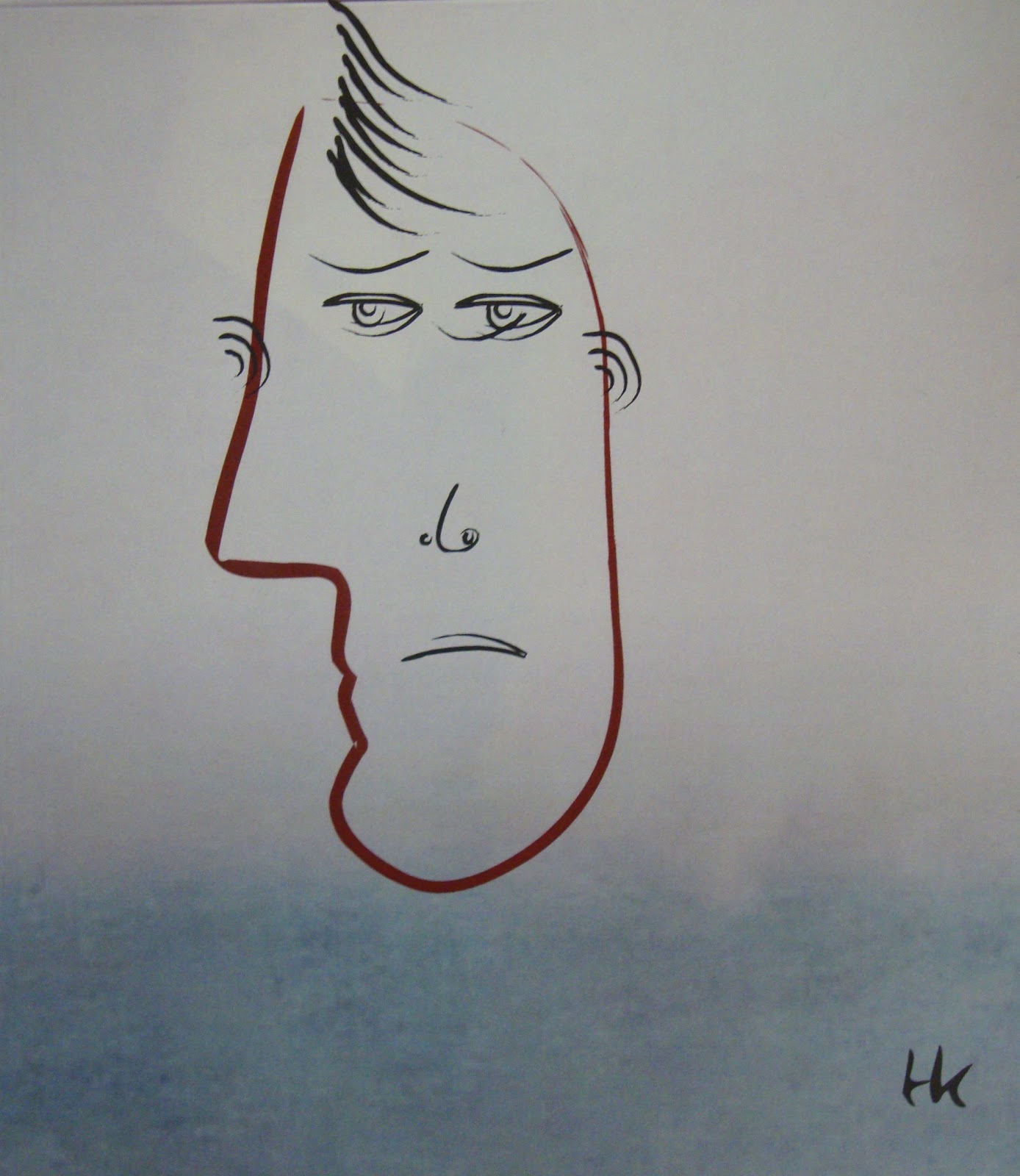
- computer with internet access
- printer
- paper
This was a fun and easy lesson to expose my students to Pablo Picasso. We discussed his artwork, style and specifically portraits. With the use of our school computer lab, the students were able to create their own abstract Picasso Head. This website also introduced basic editing tools like stretch, rotate, flip and more. The best part was the students were able to sign their work!
If it's in your school budget, it's nice to have a print out of each child's work.


Subscribe to:
Posts (Atom)